Your own words, read aloud
Write the messages you want to hear, or start with eight folders of fresh, uplifting ones. Your iPhone reads them in a warm, natural voice.
An alarm that speaks your words
Rise with your own words, read aloud in a warm, natural voice. Affirmations, motivation, reminders, and a kind word for a hard morning.
The iPhone beta is open now on TestFlight, and the Android test on Google Play is waiting for Google’s approval. Try it now: the guides walk you through every step, from installing Apple’s TestFlight app on iPhone to joining the Google Play test on Android. Free to download with a 7-day free trial of everything.
Made for anyone
Wake Up Words turns the first sound of your day into the words you need to hear, and keeps cheering you on until bedtime.
Write the messages you want to hear, or start with eight folders of fresh, uplifting ones. Your iPhone reads them in a warm, natural voice.
Morning Motivation, Affirmations, Calm & Breathe, Focus & Work, Health & Habits, Gratitude, Wind Down and My Reminders. Add, rename, recolor, hide or delete them.
Each alarm reads one message, a random message from a folder, or a random favorite, so mornings don’t get stale.
Tap Open when the alarm rings: your message appears in large type, each word lighting up as it’s read, with Snooze and Stop.
Repeat an alarm every 15 minutes up to every 12 hours, until the time you choose. Drink water, stretch, breathe, refocus, with a new message each time.
Like a talking picture frame: it shows one message and reads each new one aloud with soft music, every few minutes.
Play a folder or your favorites with a breathing pause between messages, or keep a silent bedside clock with one message at a time.
Choose any voice on your iPhone (with a Try button for each) and Warm Pad, Rain & Wind, or words only.
Light and dark modes, adjustable text, no account, no ads, no tracking. Everything you write stays on your phone.
Nightstand & Message Frame
Two ways to keep a good word in sight between alarms. Start either one from the Playlist tab.
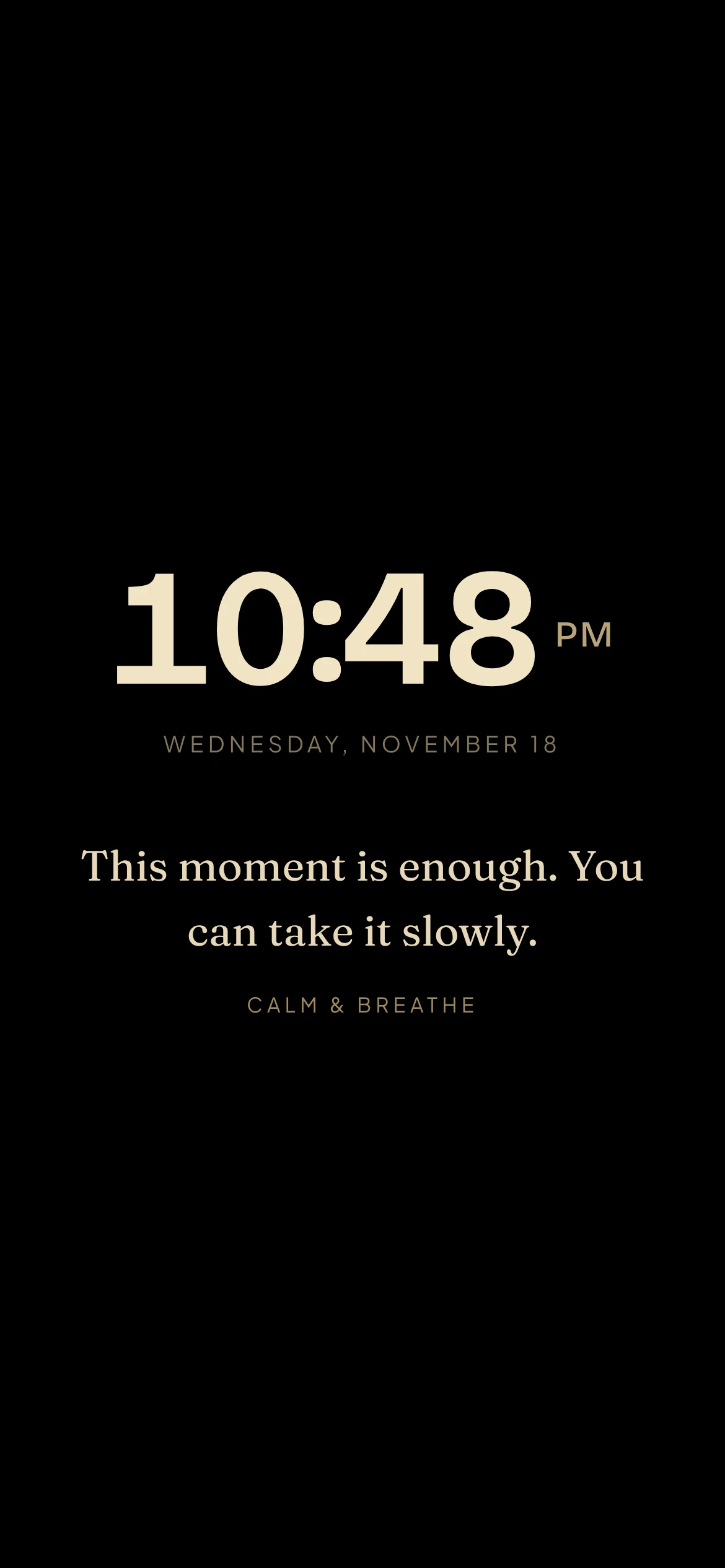
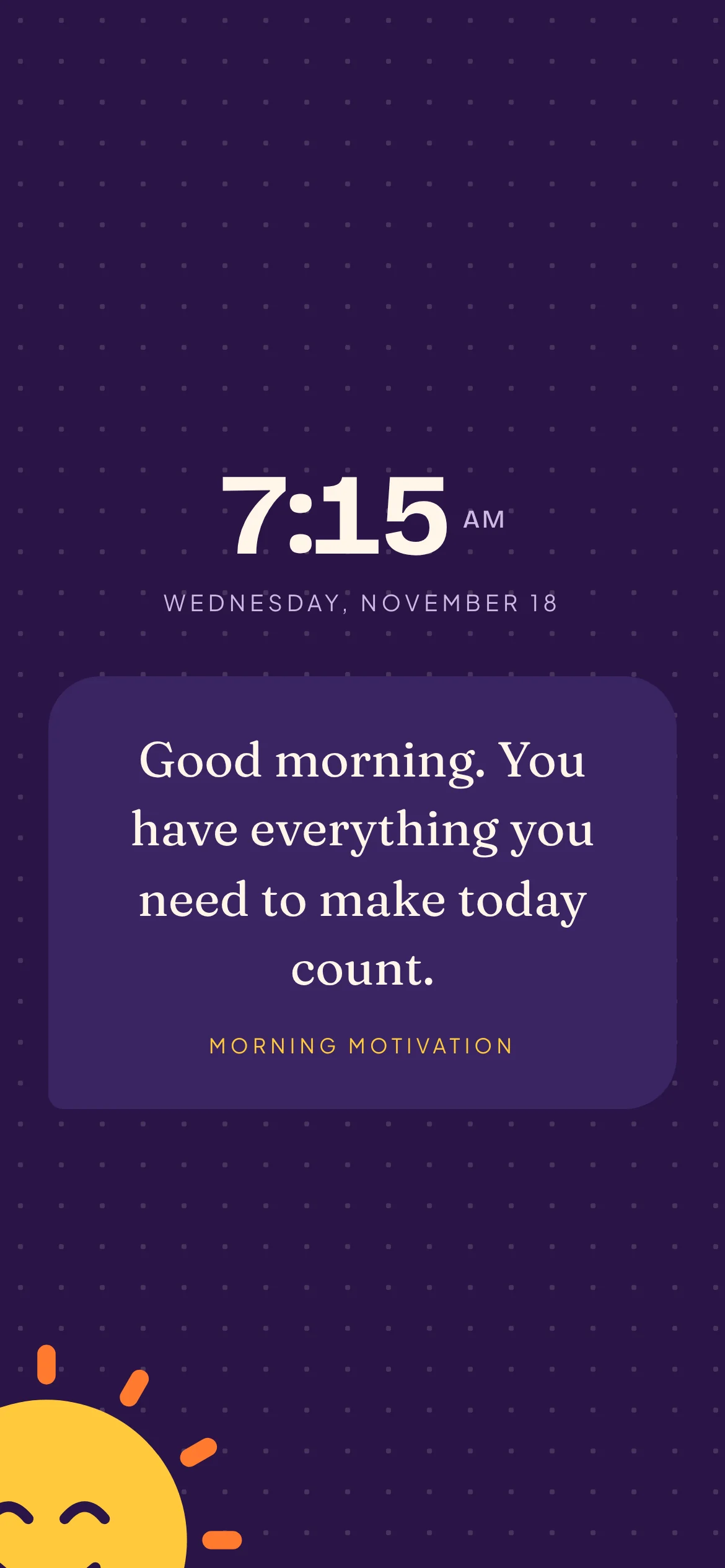
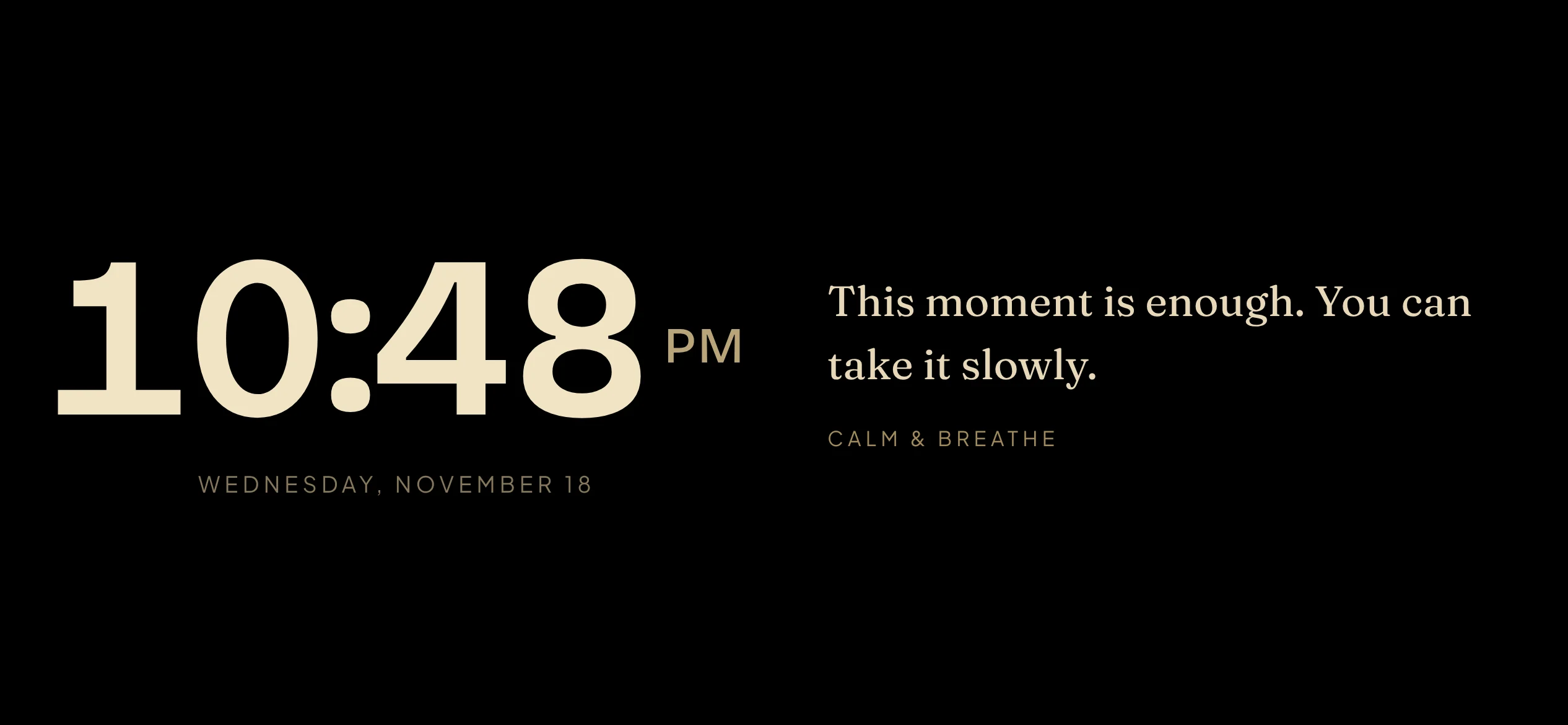
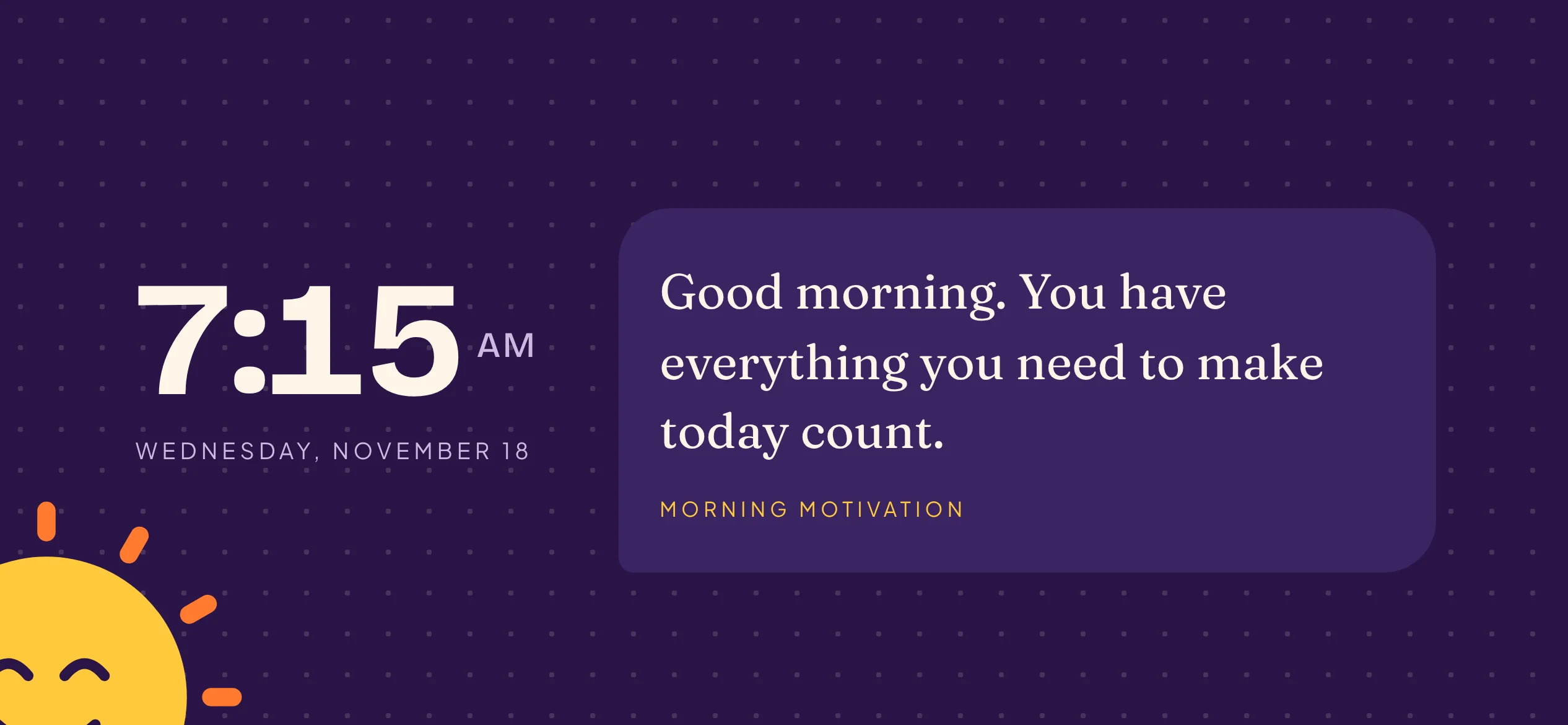
Turn your phone sideways for a classic bedside or desk clock.
A look inside
A cheerful sunrise look in light and dark, with your messages in speech bubbles.
I can do hard things, and I am proud of how far I’ve come.
Stand up, stretch, and roll your shoulders.Health & Habits