Save from the Share Sheet
Send a website or video link from Safari, YouTube, or another compatible app to VersaLink Keeper. Edit the title and choose an existing folder or Unsorted before saving.
 Available now · iPhone & iPad
Every useful link.
A place to keep it.
That restaurant you want to try. The recipe you’ll make again. A video worth coming back to. Save your finds, organize them your way, and find them when you need them.
Available now on the App Store. Start with 10 links free.
Available now · Version 2.0
Version 2.0 is now available on the App Store. Update Keeper to share links from compatible apps and see a clearer notice when you reach the free limit.
Send a website or video link from Safari, YouTube, or another compatible app to VersaLink Keeper. Edit the title and choose an existing folder or Unsorted before saving.
Your link waits in the Shared Inbox until you open Keeper. Open the app to add it to your library and find it in your chosen folder.
At 10 saved free links, a prominent notice explains that your free limit is reached. Choose Unlock Unlimited Links for a one-time upgrade, or delete a link to free a space. Your existing links remain available.
Already have Lifetime Unlock? These improvements are included at no extra cost. Archived links count toward the free limit.
Open Keeper once after updating. Then tap Share in the source app and choose VersaLink Keeper from Apple’s Share Sheet. In YouTube, tap More first.
Review the title, select an existing folder or Unsorted, and tap Save. Look for the “Saved to Shared Inbox” confirmation.
Reopen Keeper to import the link. If an item needs attention, open the shared inbox banner to review it.
A look inside
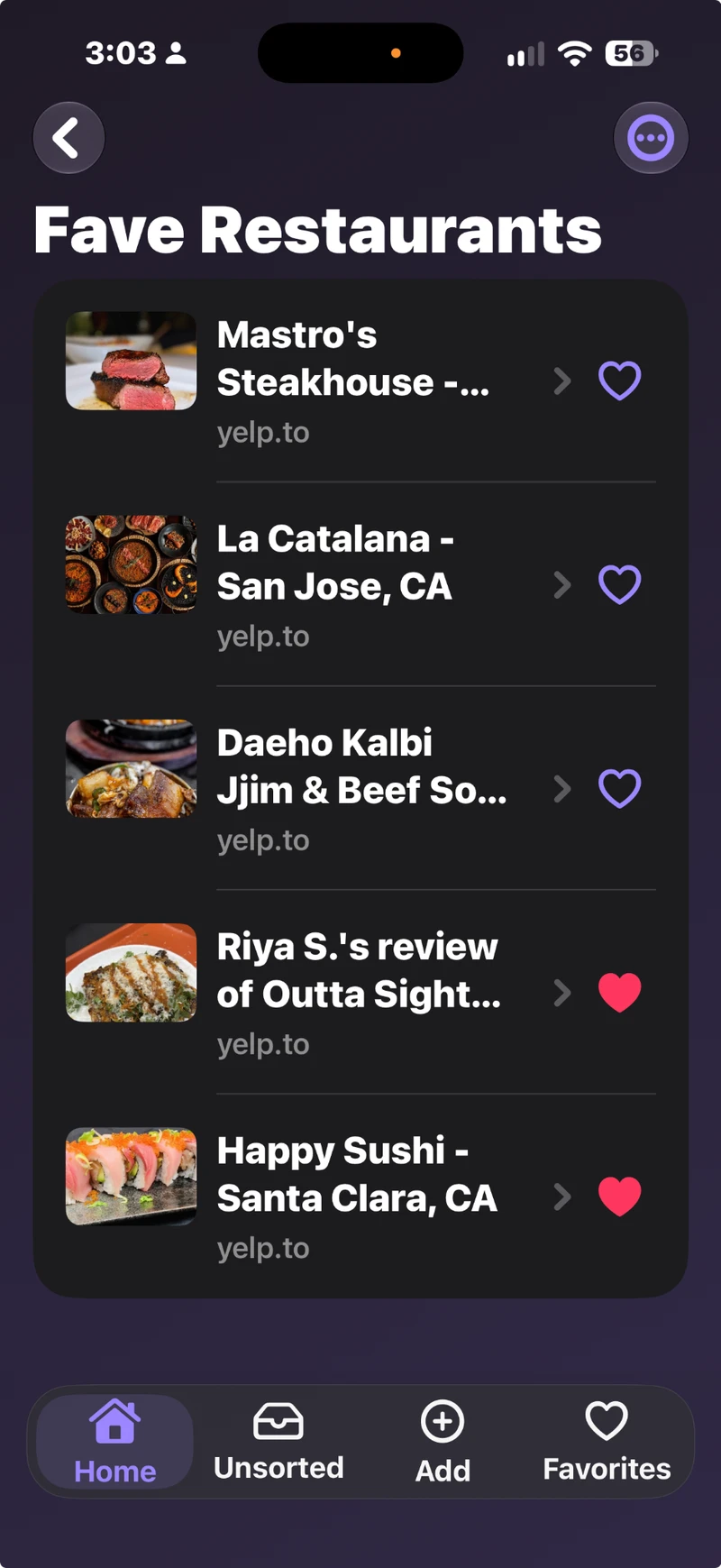
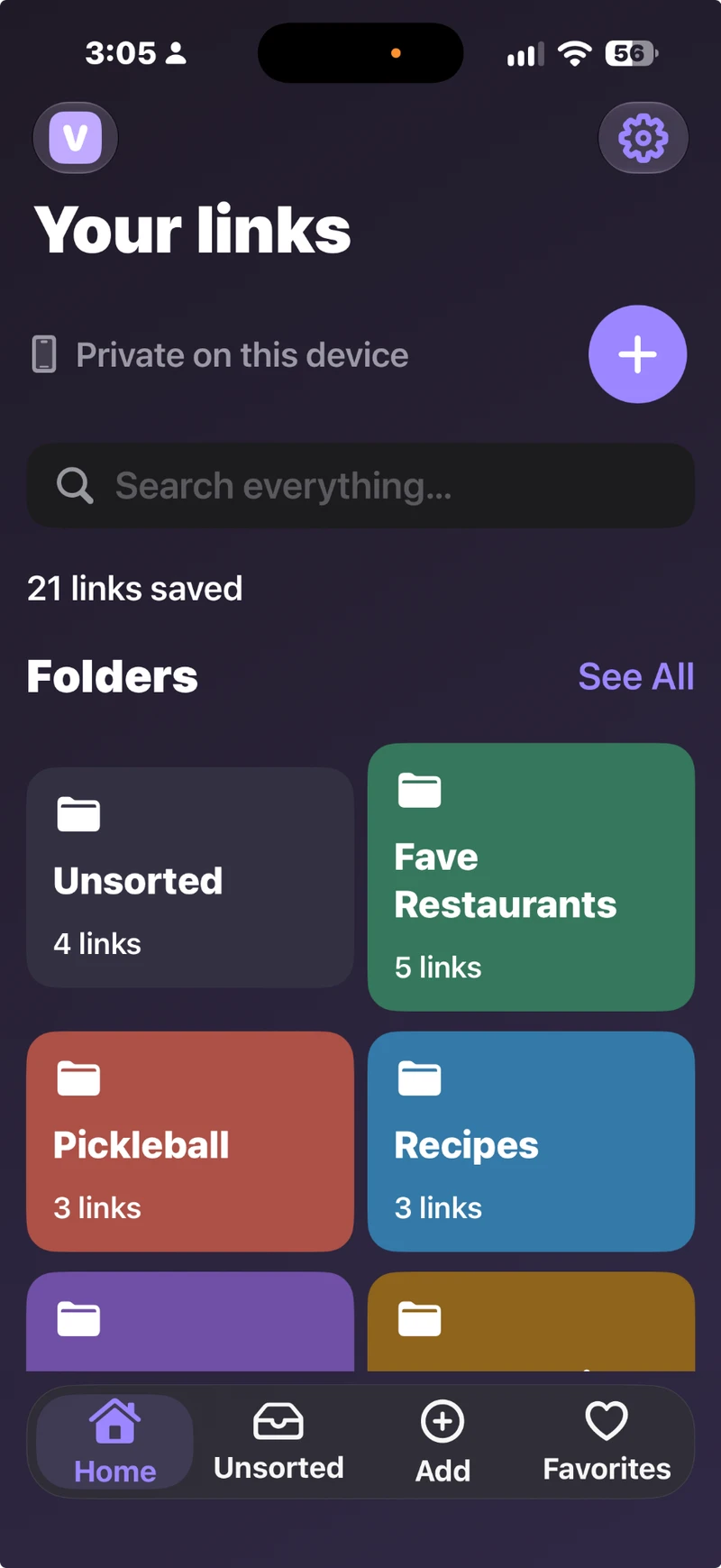
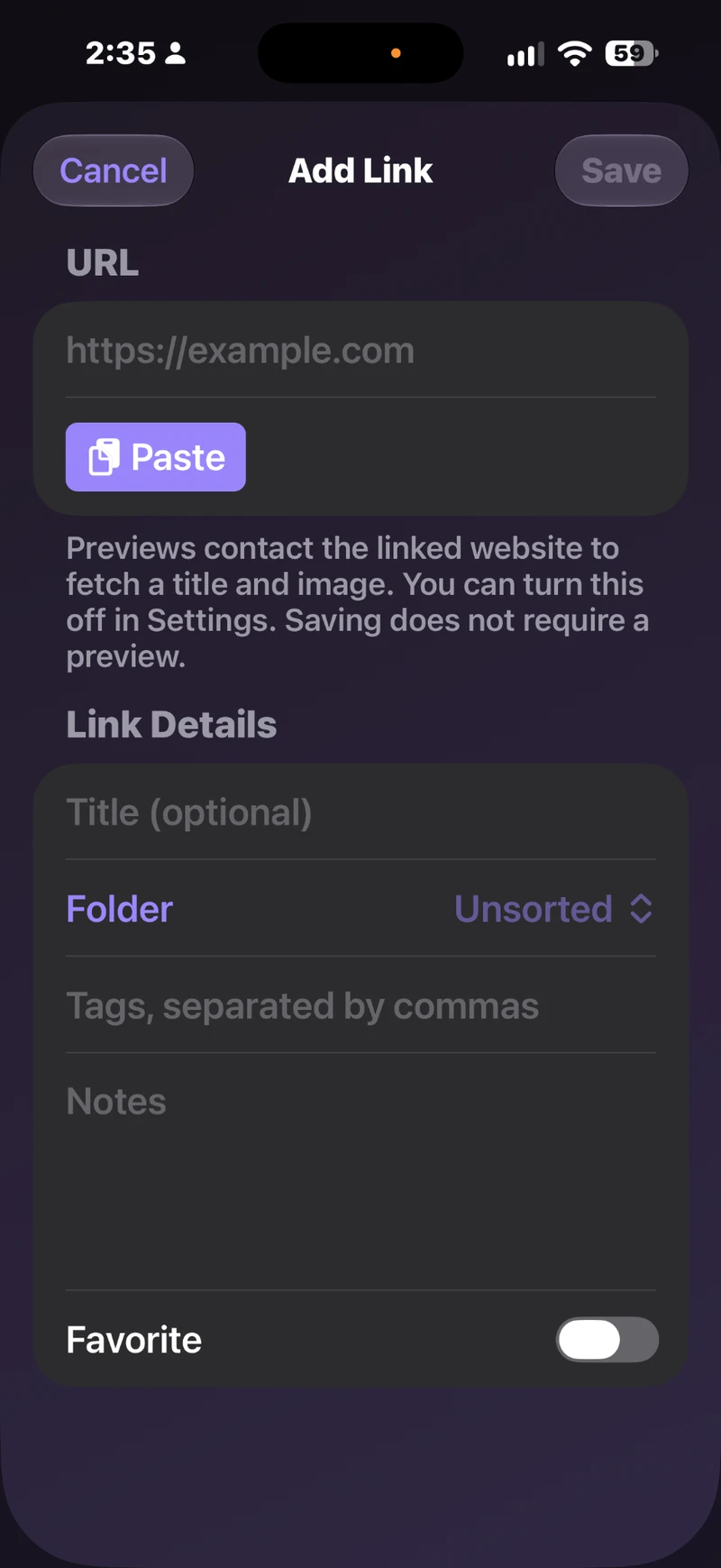
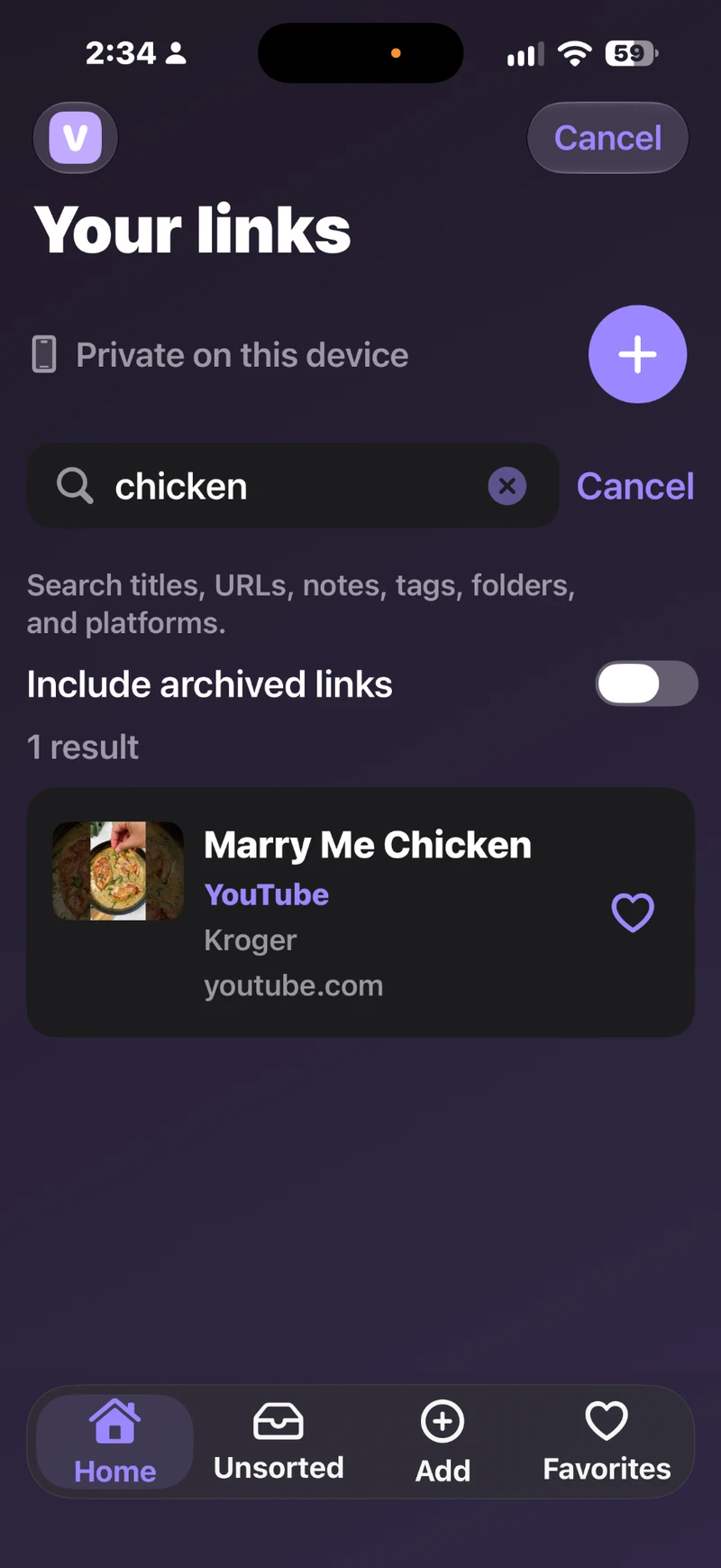
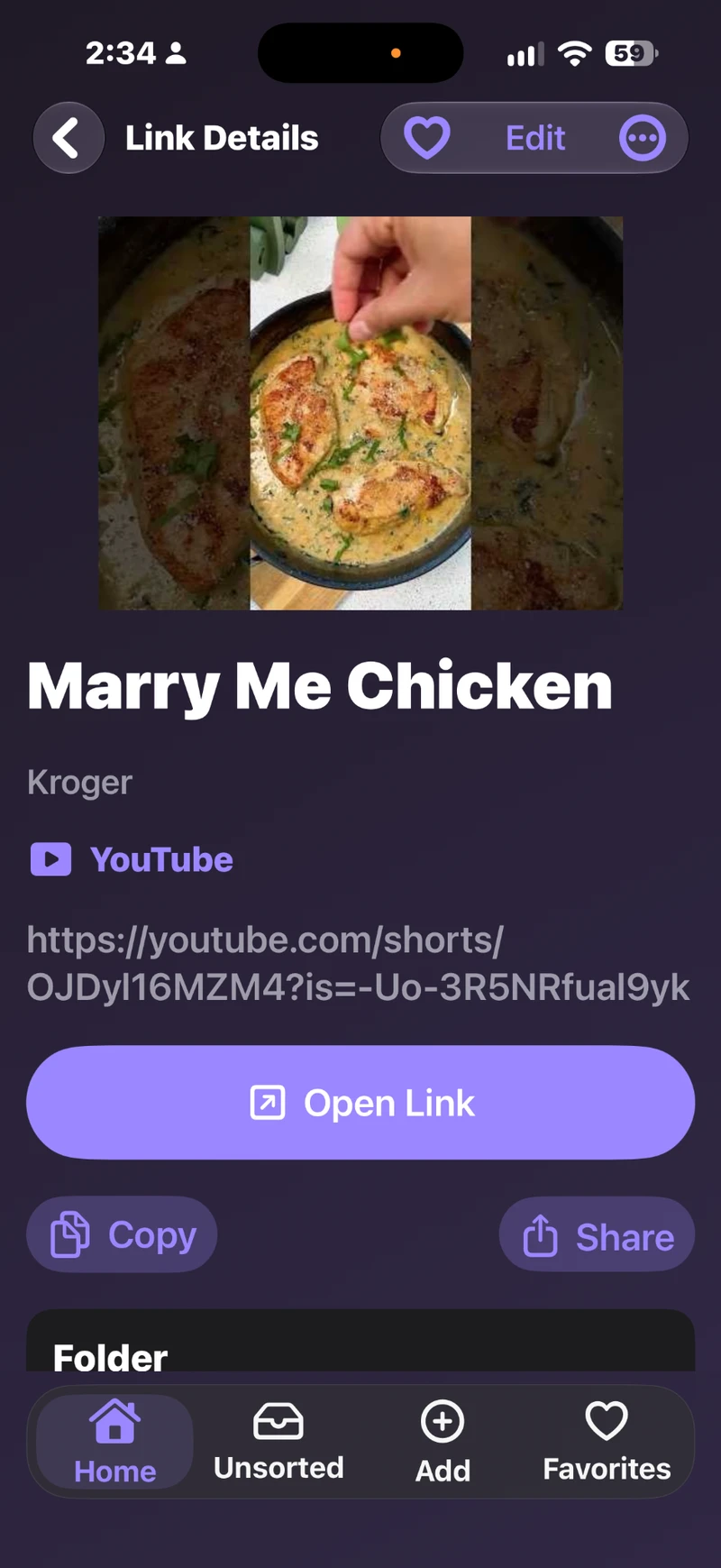
Screens from version 1.0 of VersaLink Keeper. The new sharing and free-limit screens in version 2.0 are described above. Scroll through the gallery or select a screen to see it larger.
More than a list of URLs
Restaurants, recipes, trips, hobbies—make colored folders for whatever you save. Reorder folders so the ones you use most appear first.
Add your own title, notes, and tags. Tap the heart to keep a link in Favorites. Unsorted holds links until you choose a folder.
Find links by title, URL, notes, tags, folder, or platform. Include archived links when you want to look further back.
See a title and thumbnail when the source provides them. Supported YouTube videos can include a channel name; other sites and social previews vary.
Your bookmarks live on your device. No VersaLink Keeper account, advertising, or analytics. Automatic previews can be turned off in Settings.
Export JSON backups or CSV files for free. The lifetime unlock adds JSON import and the ability to restore local recovery copies.
From a good find to a saved link
Find something worth keeping in your browser or another app, then copy its URL.
Tap Add, paste the link, and choose a folder. Need a new folder? Create one right there without losing your draft.
Browse your folders, check Favorites, or search for the detail you remember.
A little more room
Browse your folders and saved links on a bigger screen, with the same tools for organizing, searching, and adding a new find.
Each device keeps its own collection. To move your links, export a JSON backup and import it on the other device with the lifetime unlock. Collections do not automatically sync.
How backup and restore work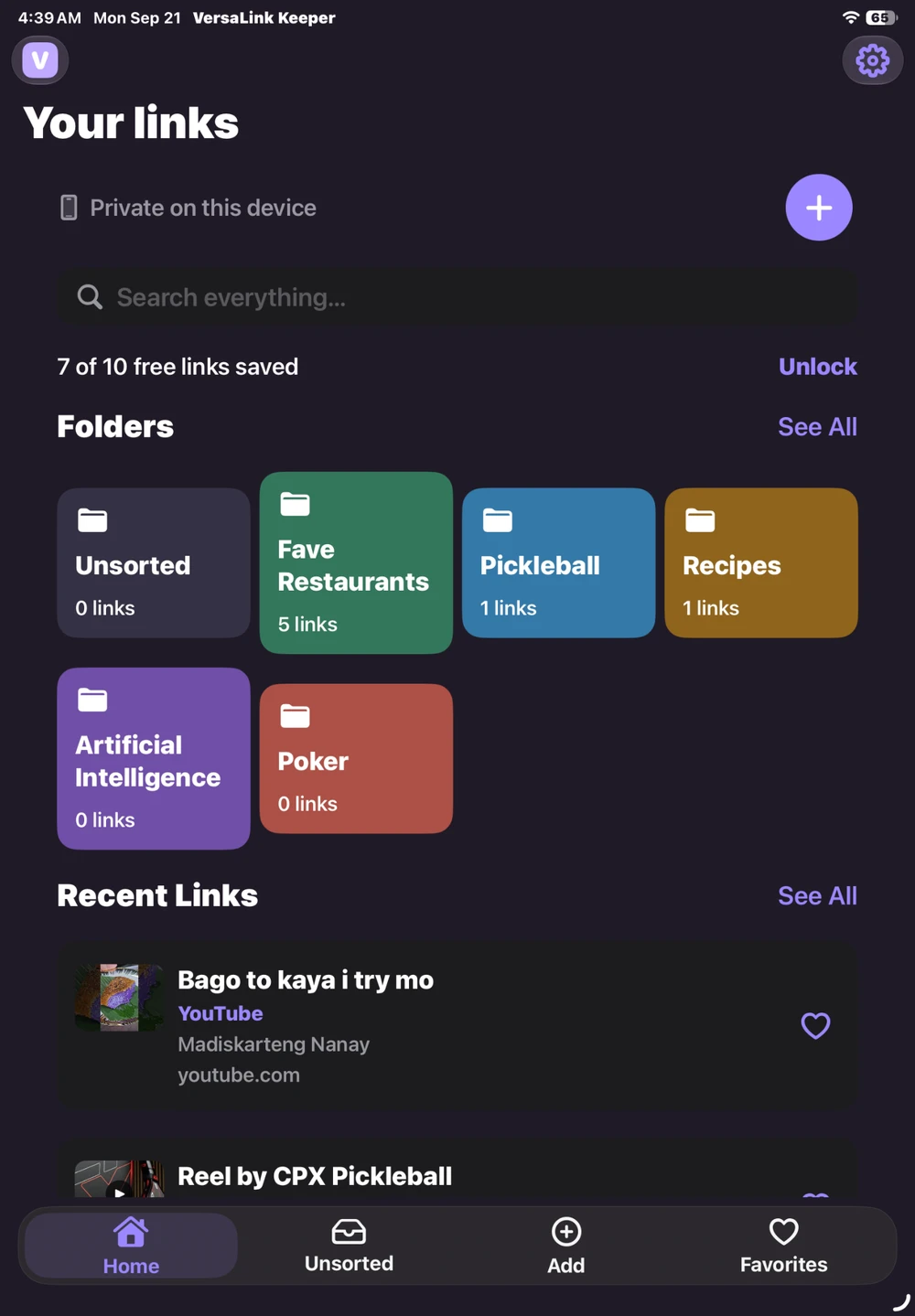
Start free. Keep more.
Try the app with 10 saved links. Choose the lifetime unlock when you want room for more.
Free
$0
Lifetime unlock
US$9.99One-time purchase
No subscription. Regional prices and taxes may vary. Apple shows the final price before you confirm.
Import and recovery restore replace your current collection; they do not merge collections. Restoring a purchase unlocks features but does not restore saved links.